
When it comes to uploading files, such as PDFs to a post or a page on your website, the best block for the job is the File block, which allows you to create a text link to a media file, such as a PDF or Word document, with an optional download button and print.
When you first add the File block to a page, it will provide options to upload a file or pick one from yourMedia Library .
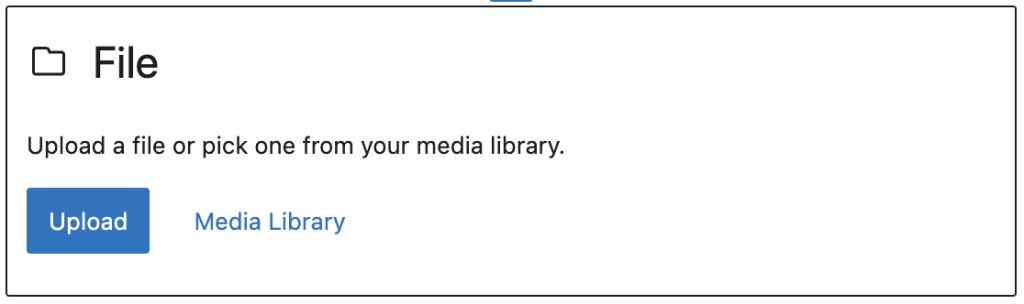
The options are:
-
Click the “Upload” button to upload a file from your computer or device.
-
Click the “Media Library” option to add a file that’s already uploaded to your site.
🚩 Check your file's filename:
Having trouble uploading your file/PDF?
Check the filename. Special characters like commas and spaces can trigger upload errors—try renaming your file using only letters, numbers, hyphens, or underscores (e.g., document_name.pdf).
Once you select your PDF you'll see this view:
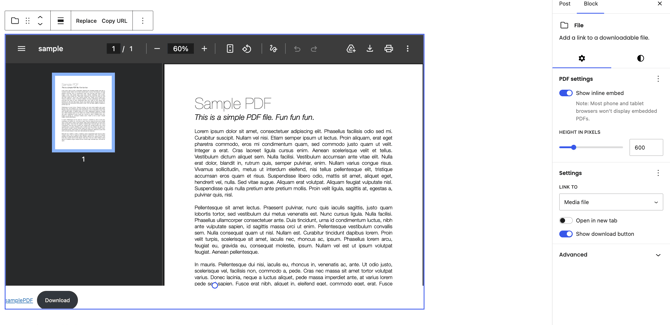
At the bottom of the file preview, the file name will be shown as a clickable link with a Download button next to it:

You can click the file name to change the link text and click inside the button to change the button text:

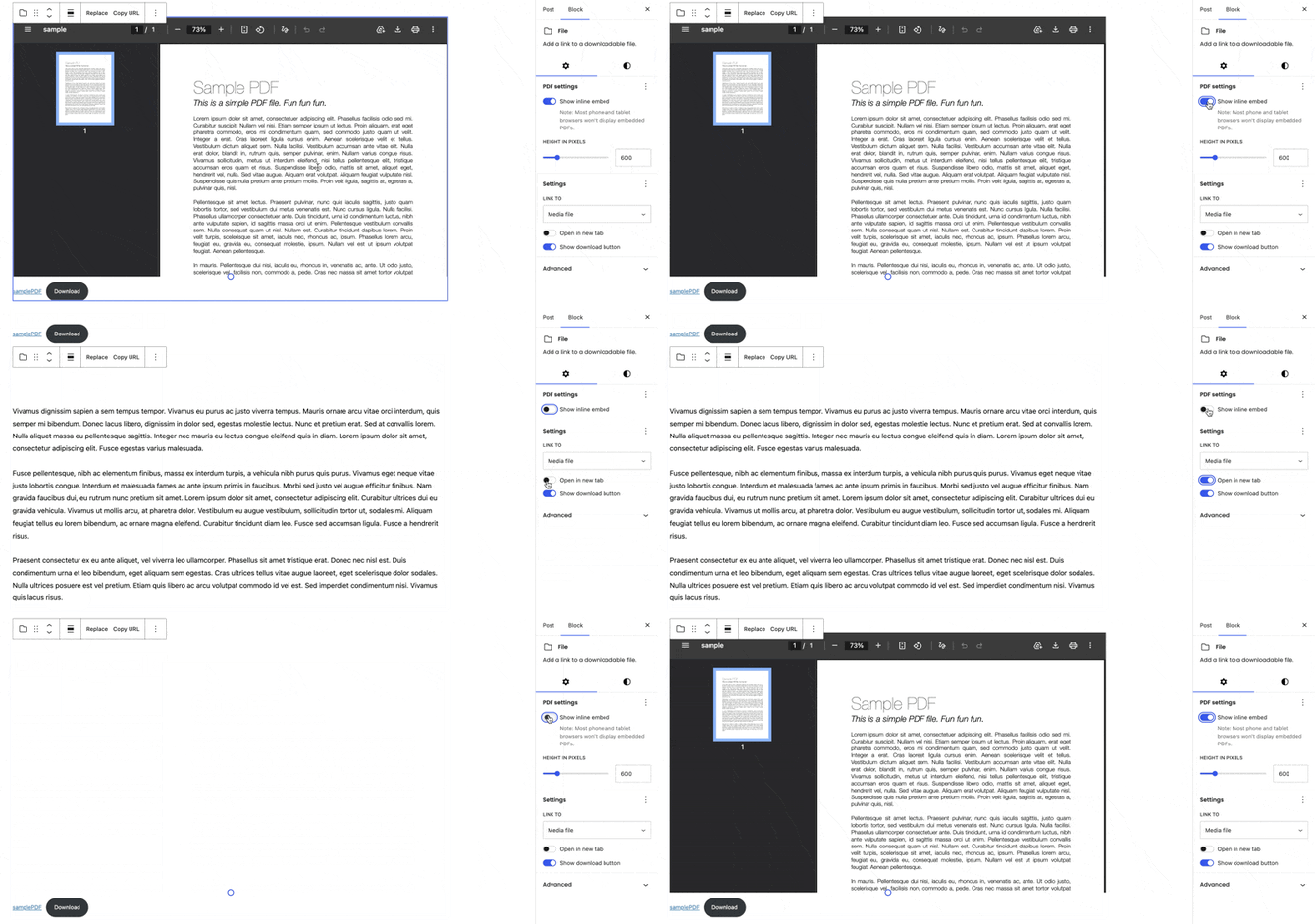
If you would like to not have a view of the PDF you can toggle the "Show Inline Embed" off.
You can also toggle "Open in new tab" option to have the PDF open in a new tab.
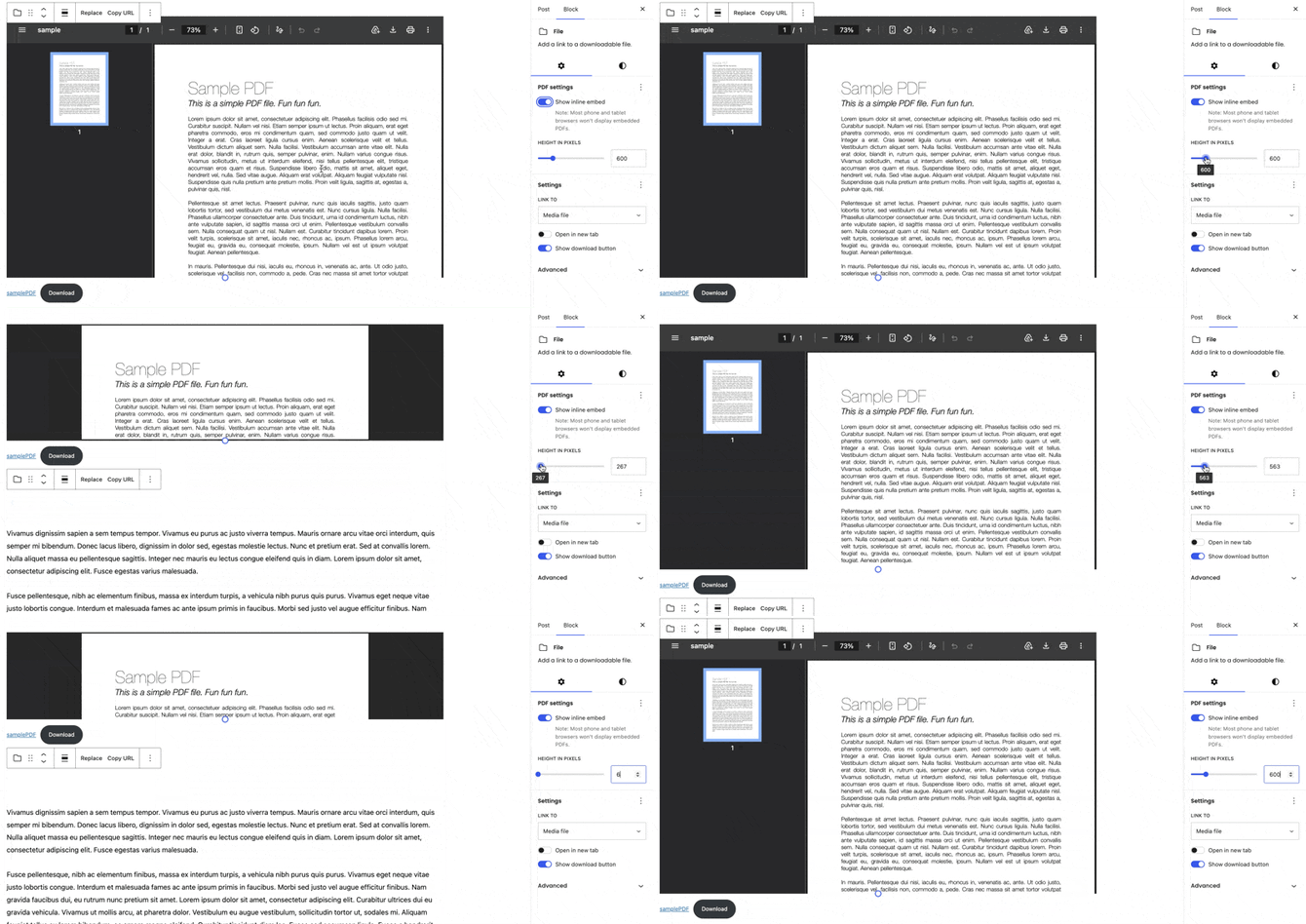
If you would like to adjust the height of the PDF you can adjust the Height slider.
💛 PDF Best Practices:
Optimizing PDF size at export
It's important that all pages are combined into a single file. Usually, PDF files saved from layout platforms (ie, InDesign) are fit for printing. You will need to compress the file while exporting it:
- Print files usually are 300ppi. Please export it at 72ppi.
- Print colors are default to CMYK > Change it to RGB

- The export preset “Typography Quality” usually compress images and other elements, so you can use this combo while saving your file
Optimizing PDF size after exporting
If the compression is not happening at the file export, you can use another tool to do so, like Adobe Acrobat PRO. PDF size impacts your page load speed and your reader's experience. Keeping files small is key for a fast loading page.
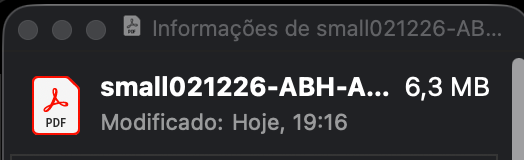
- At the sidebar options, you will find “Compact PDF”. This will easily compact and preserve quality, making your file 6,3MB
📚More Resources:
Check out our other Help Article on the topic of your Media Library!
Do you have more questions about this matter?
Reach out to our support team via live chat on your site's dashboard or via email at support@indiegraf.com. We're here to help from 9 AM to 6 PM ET, Monday through Friday.