We'll explore the customization options available on Indiegraf Pay, including the /checkout and /thank-you-supporter pages.
Designing the Checkout and Thank You Page
Please note that you will repeat the above three steps on the thank-you-supporter page. The thank-you-supporter page will not be automatically populated with the new copy from the checkout page.
-
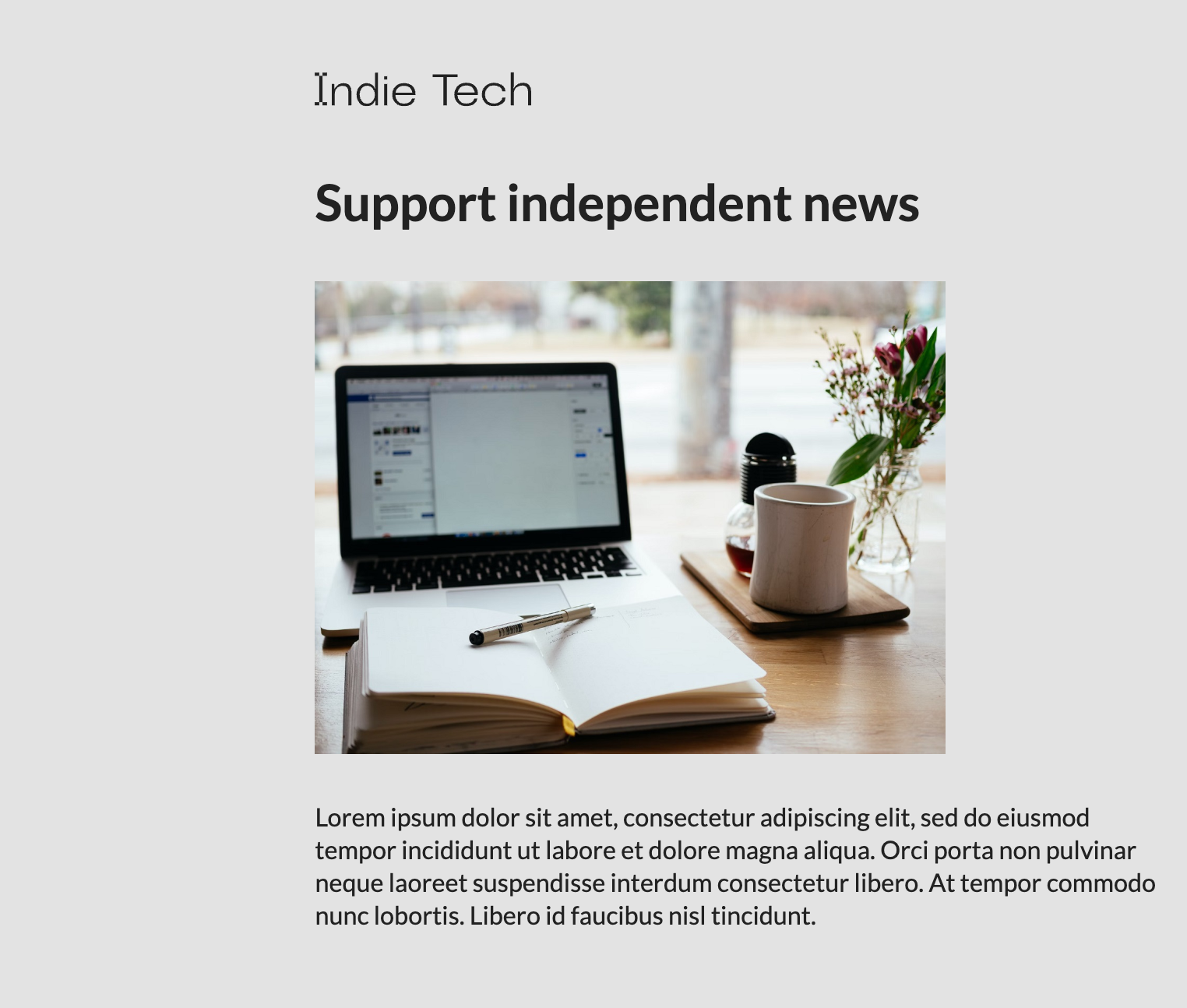
Upload your logo in the top left section of the /checkout page
-
Change the heading and paragraph copy to personalized text
-
Change the image to a visual representative of your publication
Configuring the Checkout Block
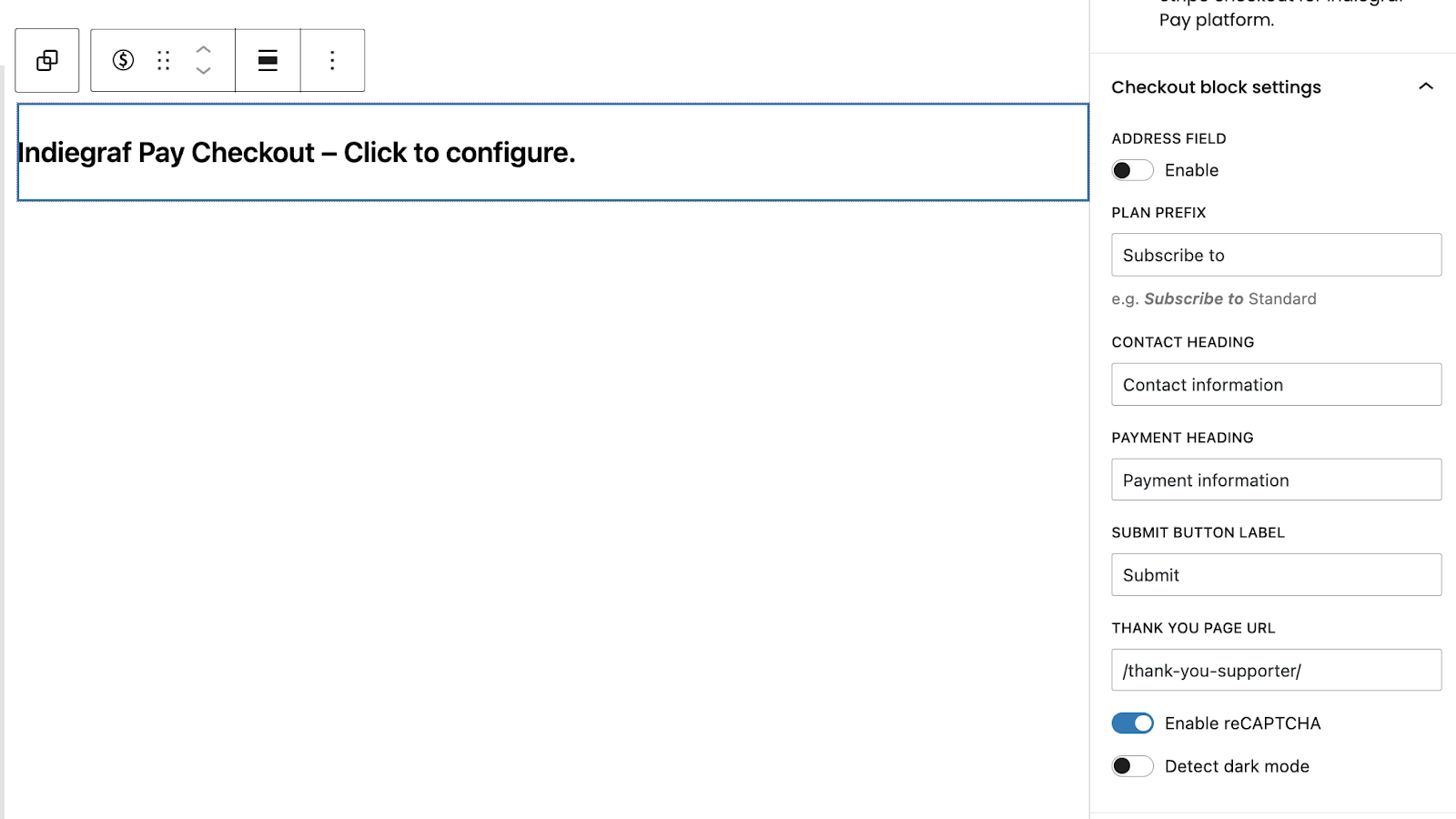
On the /checkout page, configure the Indiegraf Pay Checkout block.
-
Toggle on the Address field if the donation includes mailing a physical product or if you wish to collect this information to understand your supporter base better.
-
Toggle on Enable reCAPTCHA. (Highly Recommended)