It is important to note that while you can select more than one category for a post, that said, only the primary category can be displayed in the post's byline.
To select the primary category,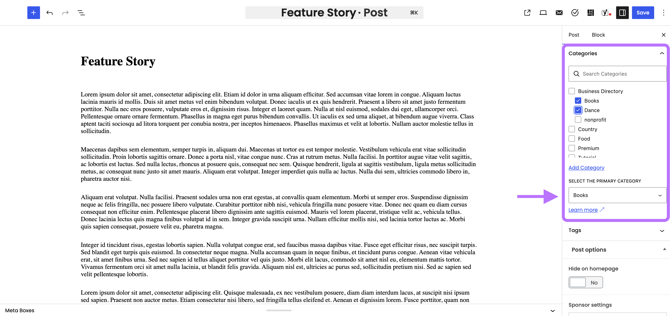
Go to Posts > All Posts, then select the post you wish to edit.
From here, head over to Categories along the right-hand side.
Under the dropdown, select the primary category, and choose the category you wish to be the primary.
Click Save to update.
English
