
The Canonical field is present in each post's HTML and it tells search engines where the post was first published. For third-party content, the Canonical field should always point to the original site.
- At the post Editor, navigate to Meta boxes. It may be hidden by default, so click and drag to display its content. You'll see the Yoast SEO tab
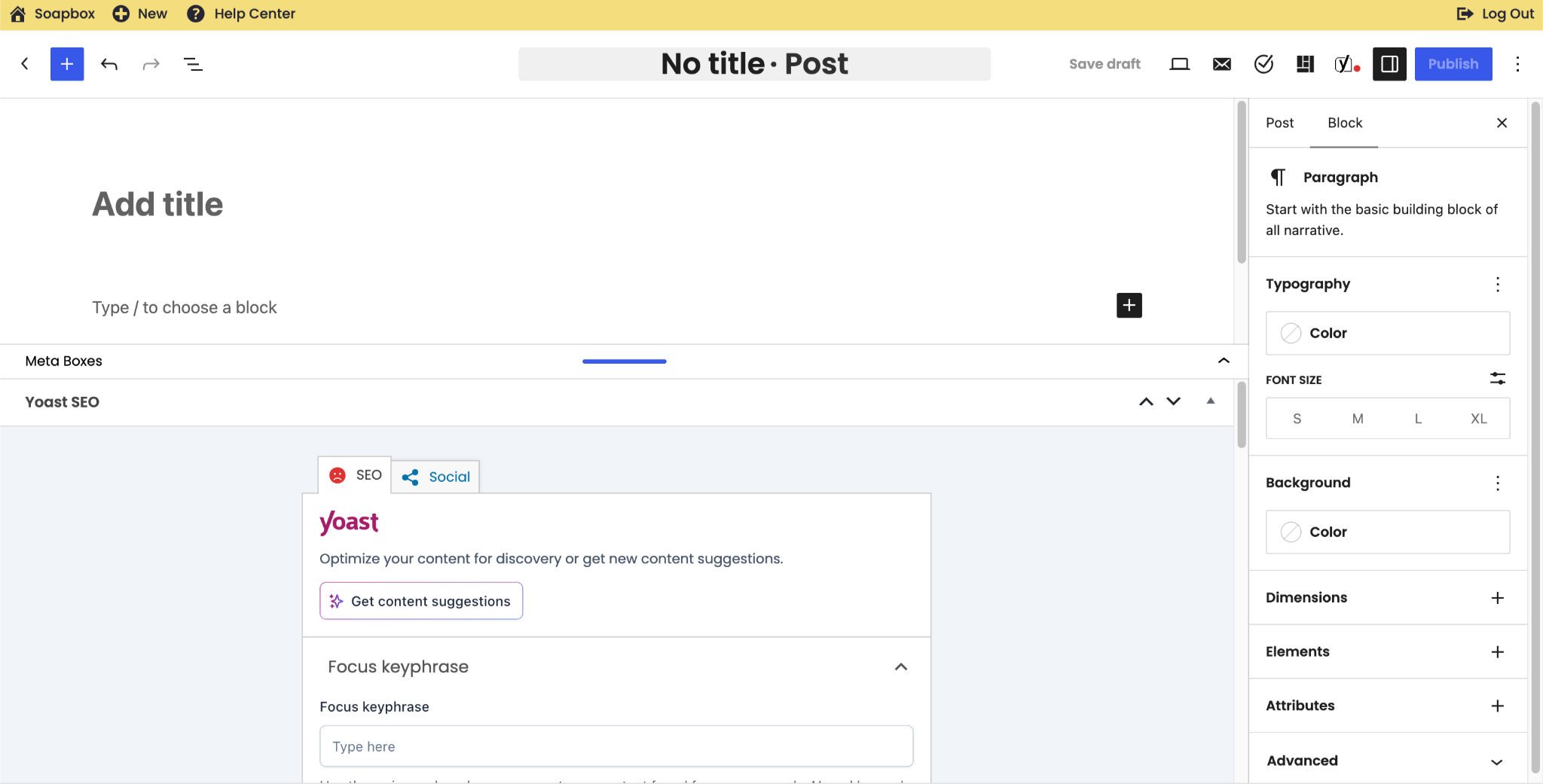
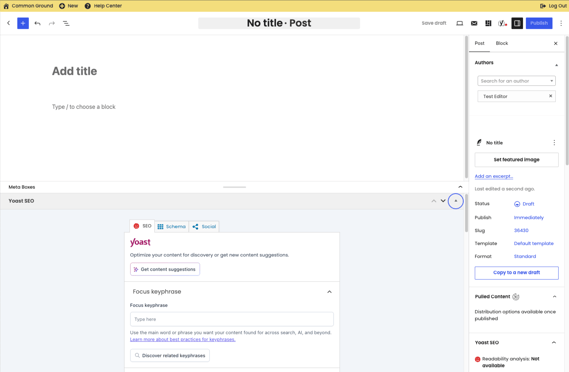
- If you don't see Yoast, you may need to click on the last Arrow to display it:
- Scroll all the way down to Advanced Options:
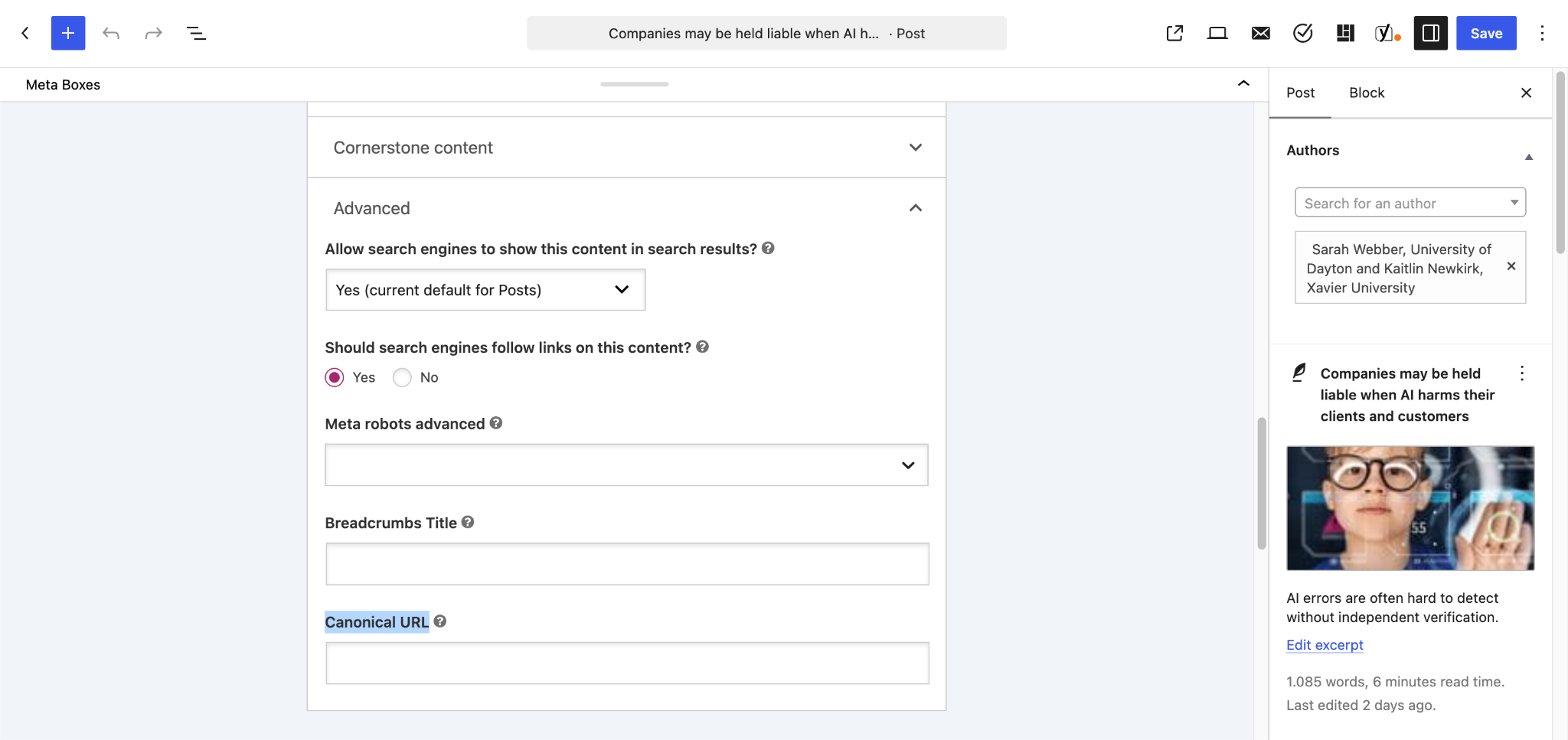
- At the Canonical URL, place the link where this content was originally published