You can cancel a subscription immediately or at the end of the period.
-
Navigate to the subscriptions list page or to the subscription details page.
-
Click on the three dots "···" menu to the right of the subscription, followed by "Cancel Subscription."
-
You can choose between cancelling the subscription immediately or at the end of the subscription. If you cancel a subscription immediately, and the associated plan supports refunds, your customer will be refunded the prorated amount for the period during which the subscription has not been used yet. The refund can either be processed to the source credit card, or alternatively reflected on the customer's balance.
-
Choose the option, and click OK
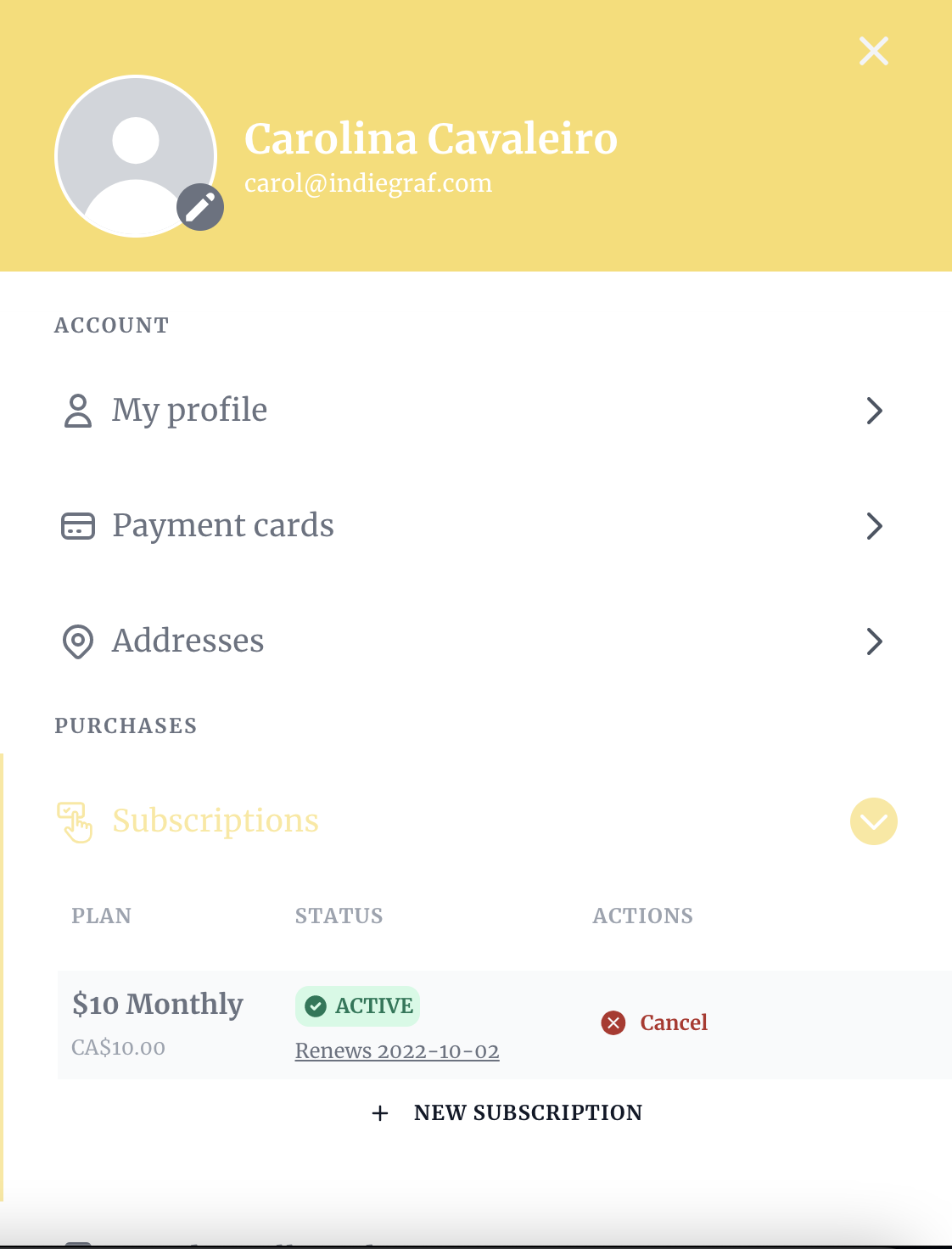
Customers can also manage their subscriptions on your website logged area:
-
After login in, click on "My Account"
-
Select "Subscriptions" and choose among the active subscriptions
-
Click on "Cancel."