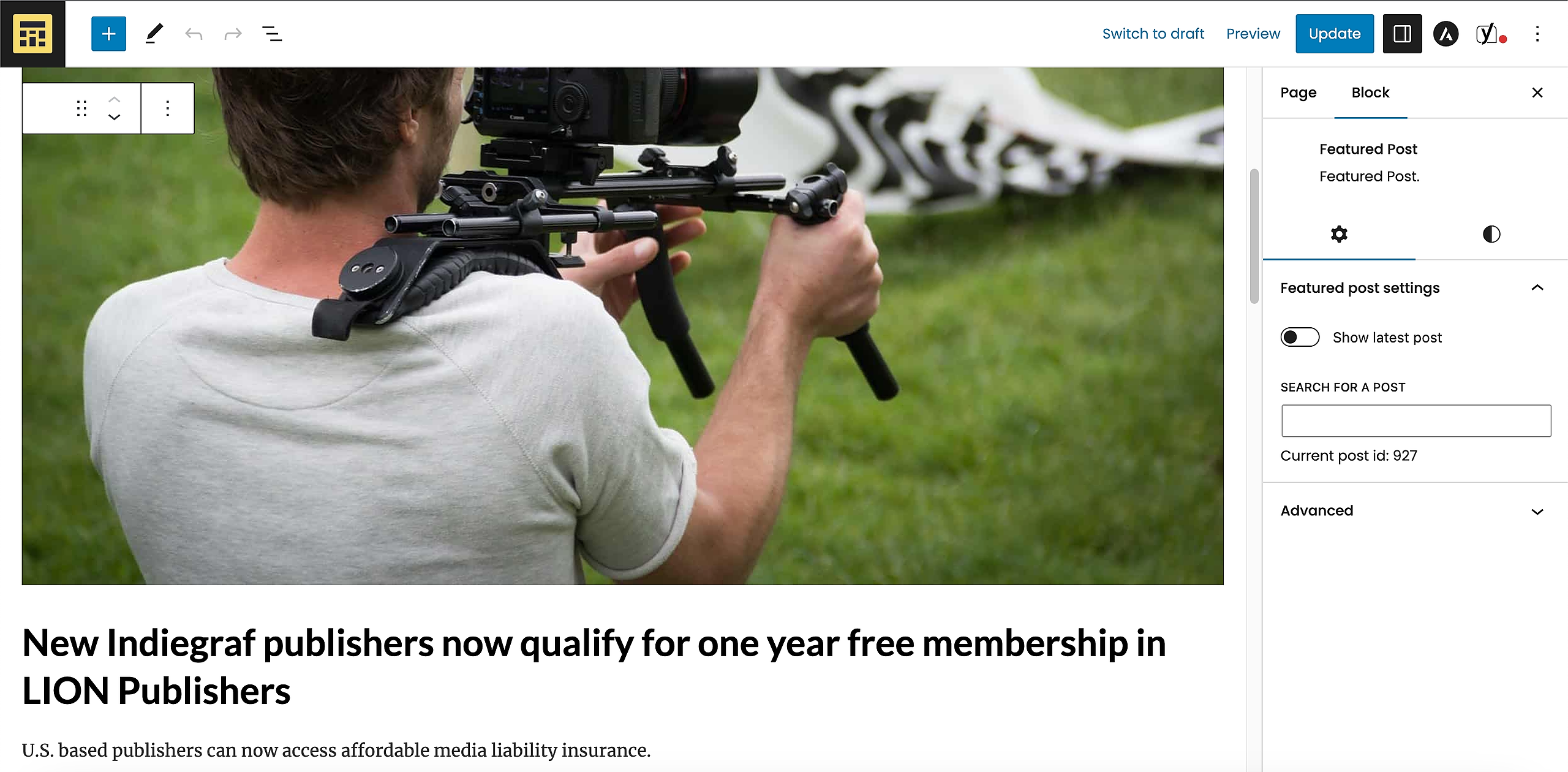
By default, the featured post on the homepage is set to show the latest post.
To change that, edit the home page, select the featured post and toggle off “Show the latest post”. A search box will appear (Search for a Post). Just type the title of the post you want to be displayed and click on it on the results list